







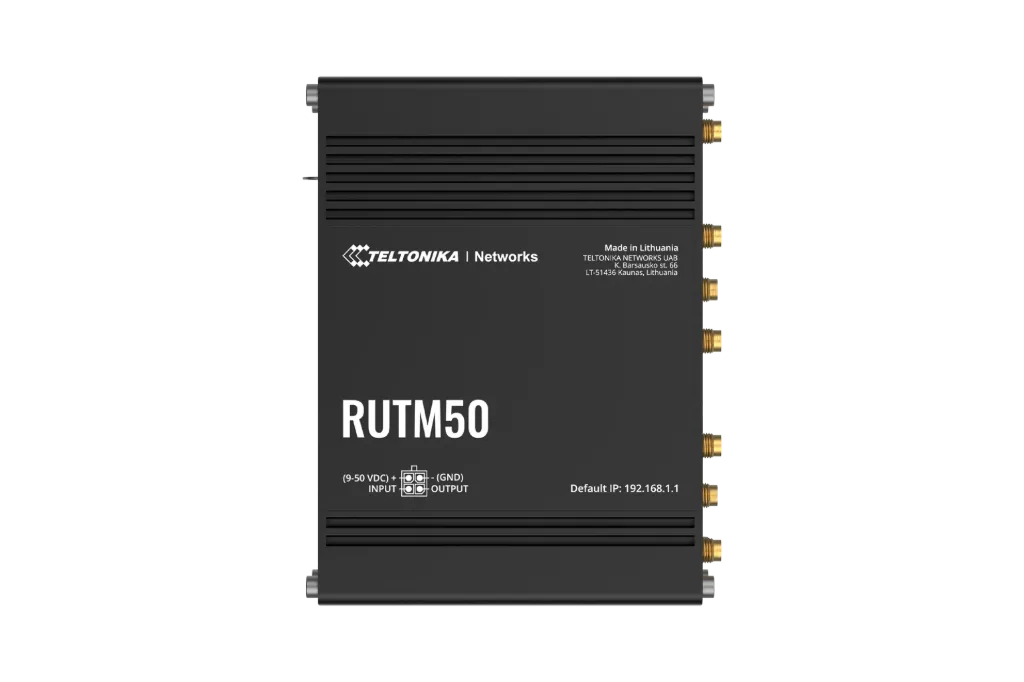

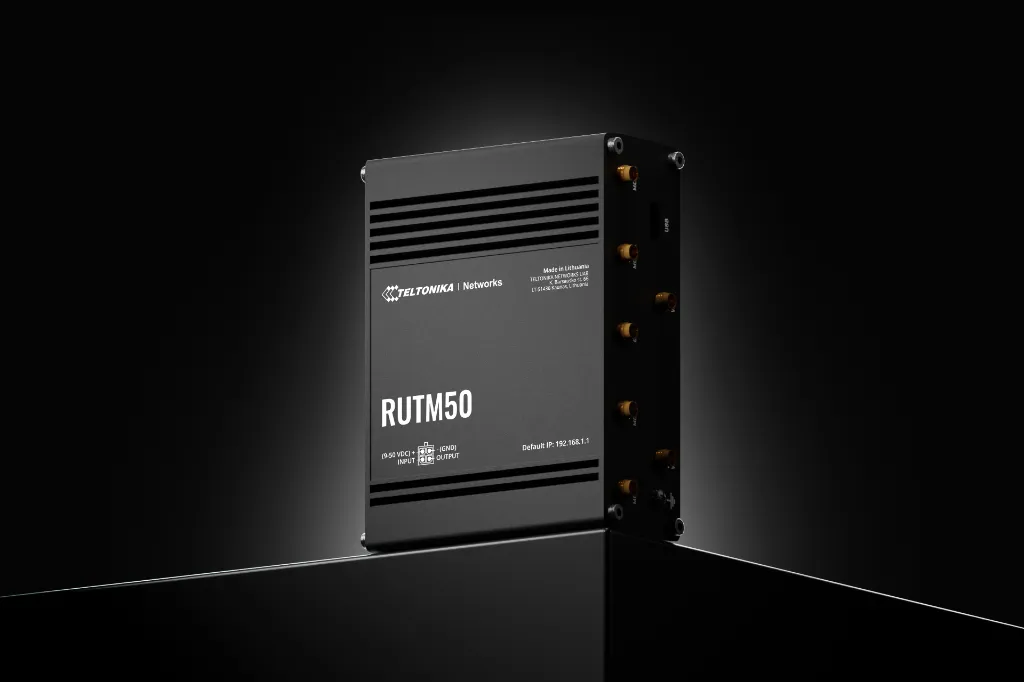
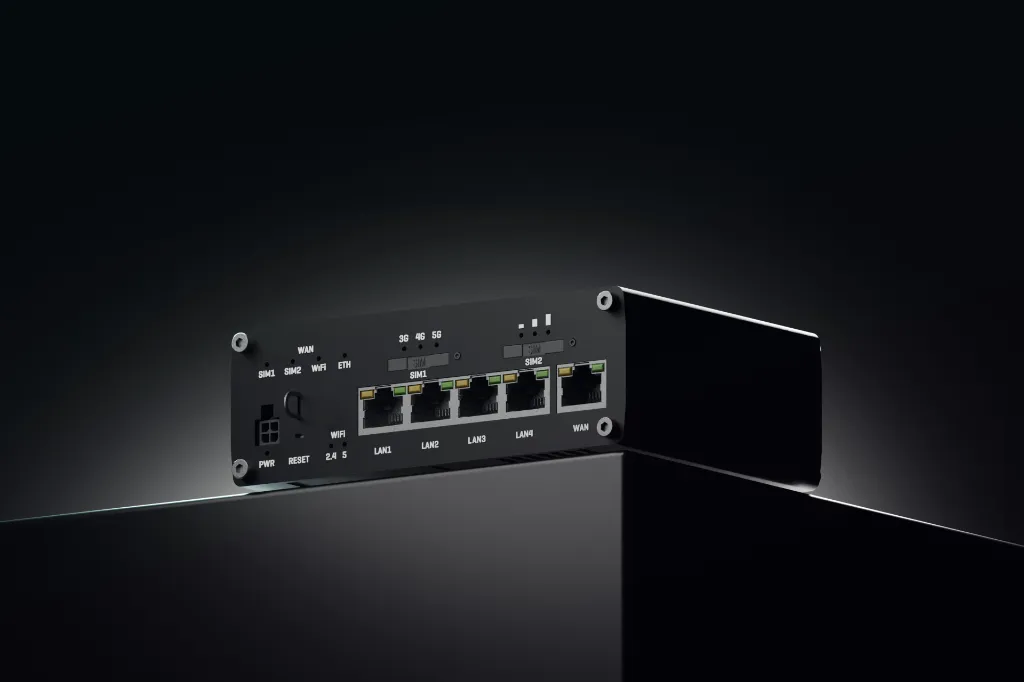
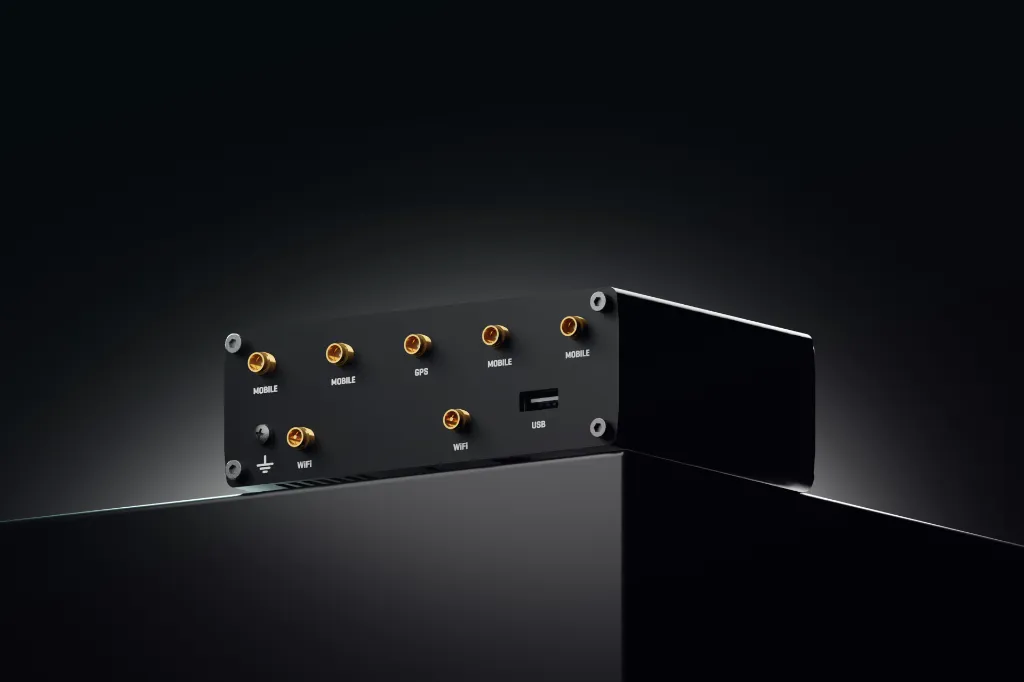
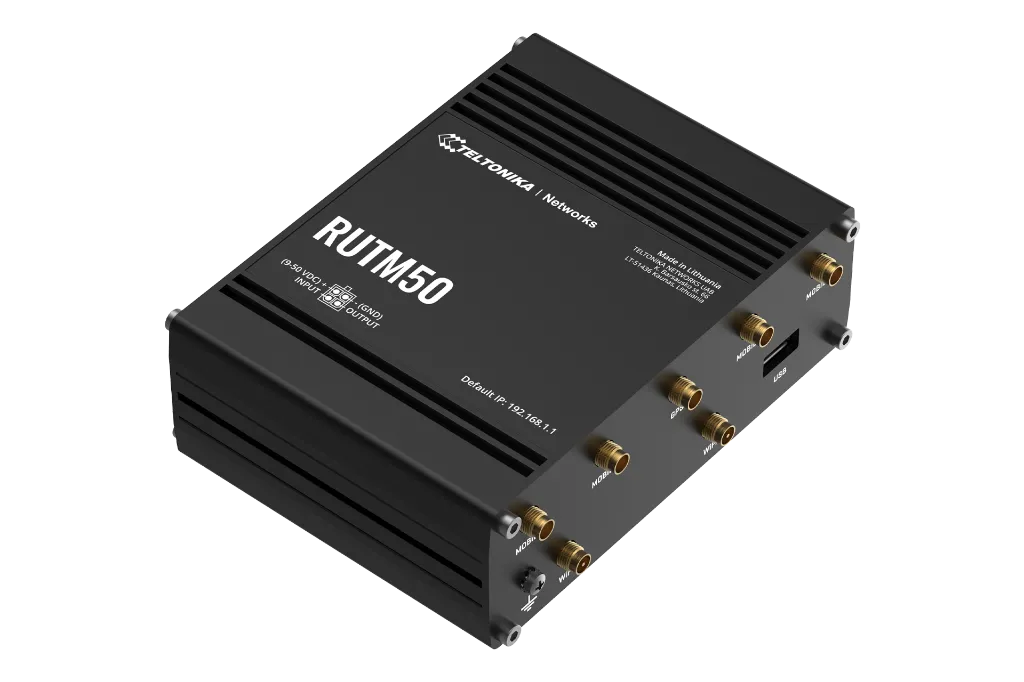
5G
Ultra-high cellular speeds of up to 3.4 Gbps
DUAL SIM
Auto-failover, backup WAN, and other switching scenarios
SA & NSA
Supports both SA & NSA 5G architectures
FUTURE-PROOFING
Backward compatible with 4G (LTE Cat 19/18)
Features
Mobile
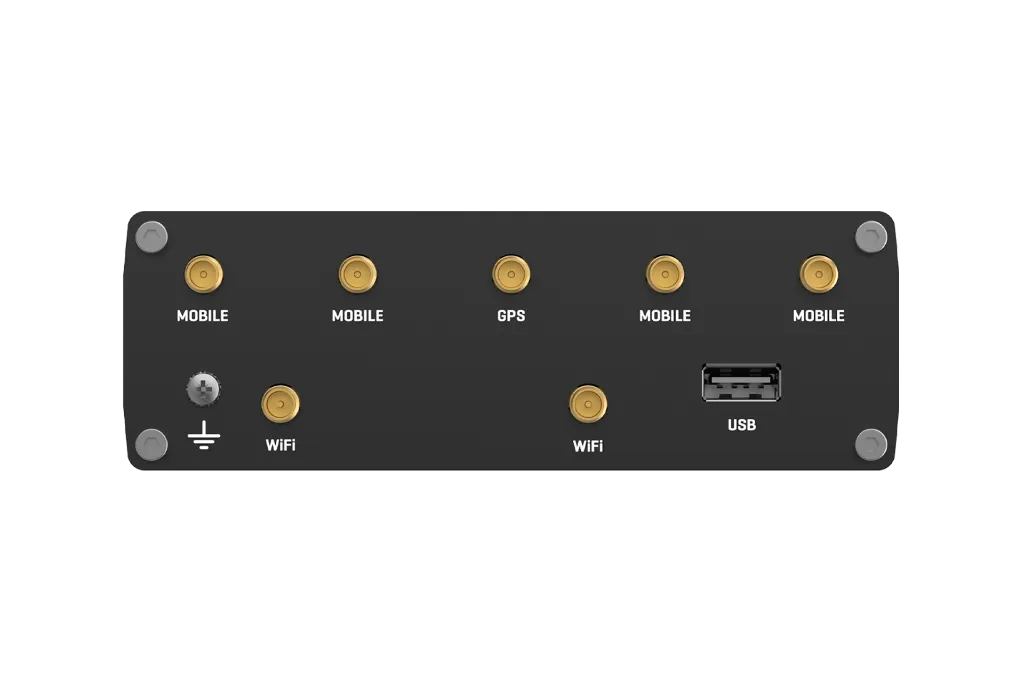
Mobile module | 5G Sub-6 GHz SA, NSA 2.4, 3.4Gbps DL (4x4 MIMO) 900, 550Mbps UL (2x2 MIMO); 4G LTE: DL Cat 19 1.6Gbps (4x4 MIMO), UL Cat 18 200Mbps |
3GPP Release | Release 16 |
SIM switch | 2 SIM cards, auto-switch cases: weak signal, data limit, SMS limit, roaming, no network, network denied, data connection fail, SIM idle protection |
Status | IMSI, ICCID, operator, operator state, data connection state, network type, CA indicator, bandwidth, connected band, signal strength (RSSI), SINR, RSRP, RSRQ, EC/IO, RSCP, data sent/received, LAC, TAC, cell ID, ARFCN, UARFCN, EARFCN, MCC, and MNC |
SMS | SMS status, SMS configuration, EMAIL to SMS, SMS to EMAIL, SMS to HTTP, SMS to SMS, scheduled SMS, SMS autoreply, SMPP |
USSD | Supports sending and reading Unstructured Supplementary Service Data messages |
Block/Allow list | Operator block/allow list (by country or separate operators) |
Multiple PDN | Possibility to use different PDNs for multiple network access and services |
Band management | Band lock, Used band status display |
SIM idle protection service | Provides the possibility to configure the router to periodically switch to the unused SIM card and establish a data connection in order to prevent the SIM card from being blocked |
SIM PIN code management | SIM PIN code management enables setting, changing, or disabling the SIM card's PIN |
APN | Auto APN |
Bridge | Direct connection (bridge) between mobile ISP and device on LAN |
Passthrough | Router assigns its mobile WAN IP address to another device on LAN |
Framed routing | Framed routing: support an IP network behind 5G UE |
Wireless
Wireless mode | 802.11b/g/n/ac Wave 2 (Wi-Fi 5) with data transmission rates up to 867 Mbps (Dual Band, MU-MIMO) |
Wi-Fi security | WPA2-Enterprise: PEAP, WPA2-PSK, WPA-EAP, WPA-PSK, WPA3-SAE, WPA3-EAP, OWE; AES-CCMP, TKIP, Auto-cipher modes, client separation, EAP-TLS with PKCS#12 certificates, disable auto-reconnect, 802.11w Protected Management Frames (PMF) |
SSID/ESSID | SSID stealth mode and access control based on MAC address |
Wi-Fi users | Up to 150 simultaneous connections |
Wireless Connectivity Features | Wireless mesh (802.11s), fast roaming (802.11r), Relayd, BSS transition management (802.11v), radio resource measurement (802.11k) |
Wireless MAC filter | Allowlist, blocklist |
Wireless QR code generator | Once scanned, a user will automatically enter your network without needing to input login information |
TravelMate | Forward Wi-Fi hotspot landing page to a subsequent connected device |
Ethernet
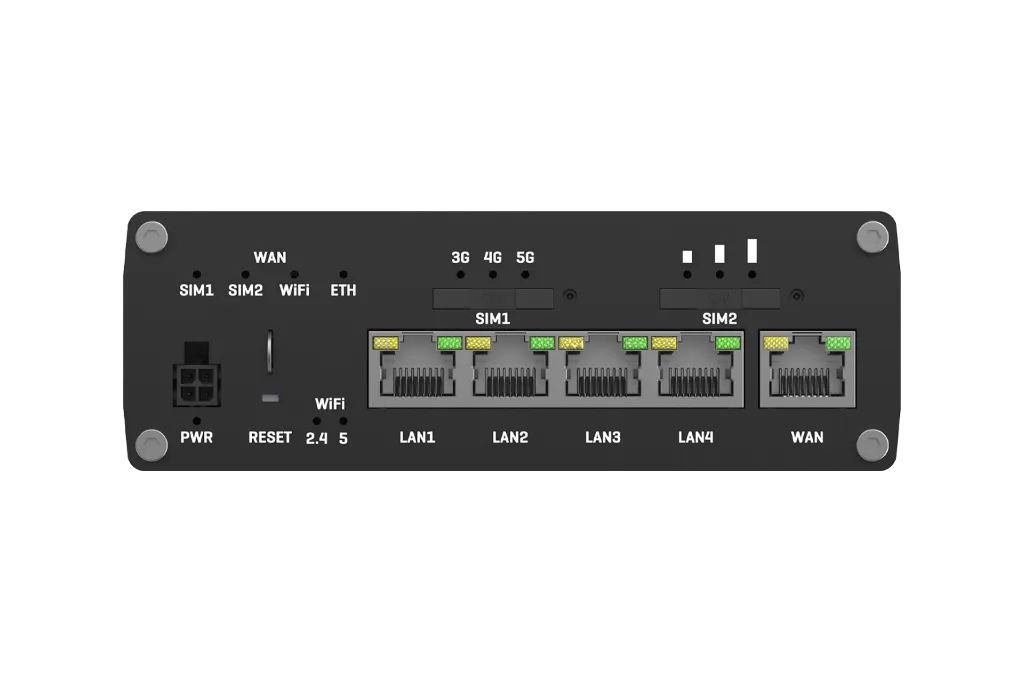
WAN | 1 x WAN port 10/100/1000 Mbps, compliance with IEEE 802.3, IEEE 802.3u, 802.3az standards, supports auto MDI/MDIX crossover |
LAN | 4 x LAN ports, 10/100/1000 Mbps, compliance with IEEE 802.3, IEEE 802.3u, 802.3az standards, supports auto MDI/MDIX crossover |
Network
Routing | Static routing, Dynamic routing (BGP, OSPF v2, RIP v1/v2, EIGRP, NHRP), Policy based routing |
Network protocols | TCP, UDP, IPv4, IPv6, ICMP, NTP, DNS, HTTP, HTTPS, SFTP, FTP, SMTP, SSL/TLS, ARP, VRRP, PPP, PPPoE, UPNP, SSH, DHCP, Telnet, SMPP, SNMP, MQTT, Wake On Lan (WOL), VXLAN |
VoIP passthrough support | H.323 and SIP-alg protocol NAT helpers, allowing proper routing of VoIP packets |
Connection monitoring | Ping Reboot, Wget Reboot, Periodic Reboot, LCP and ICMP for link inspection |
Firewall | Port forward, traffic rules, custom rules, TTL target customisation |
Firewall status page | View all your Firewall statistics, rules, and rule counters |
Port management | View device ports, enable and disable each of them, turn auto-configuration on or off, change their transmission speed, and so on |
Network topology | Visual representation of your network, showing which devices are connected to which other devices |
Hotspot | Captive portal (hotspot), internal/external Radius server, Radius MAC authentication, SMS authorisation, SSO authentication, internal/external landing page, walled garden, user scripts, URL parameters, user groups, individual user or group limitations, user management, 9 default customisable themes and optionality to upload and download customised hotspot themes |
DHCP | Static and dynamic IP allocation, DHCP relay, DHCP server configuration, status, static leases: MAC with wildcards |
QoS / Smart Queue Management (SQM) | Traffic priority queuing by source/destination, service, protocol or port, WMM, 802.11e |
DDNS | Supported >77 service providers, others can be configured manually |
DNS over HTTPS | DNS over HTTPS proxy enables secure DNS resolution by routing DNS queries over HTTPS |
Network backup | Wi-Fi WAN, Mobile, VRRP, Wired options, each of which can be used as an automatic Failover |
Load balancing | Balance Internet traffic over multiple WAN connections |
SSHFS | Possibility to mount remote file system via SSH protocol |
VRF support | Initial virtual routing and forwarding (VRF) support |
Traffic Management | Real-time monitoring, wireless signal charts, traffic usage history |